
doona documentation
doona is a web interface for managing honk and inspecting its traffic through the native API. These pages cover v0.1.0-rc.4.
Choose an edition
| Edition | Use it for | Next step |
|---|---|---|
| Standard | Configuration editing, traffic monitoring and routing diagnostics | Quick start for embedded doona, or install the separate package; then First sign-in |
| doona lite | Configuration tasks through a smaller interface; a preview in testing | Install lite, then Connect |
See the edition comparison. To explore sample data, open the standard demo or lite demo.
Start here
| Your starting point | Follow this page |
|---|---|
| New installation | Quick start: use honk’s embedded doona and sign in |
| honk is running and you want to use a proxy | Route your first connection: add a subscription, group, routing rule and DNS rule |
| You need separate UI files | Install doona separately |
| You have signed in and want to find a control | Interface tour |
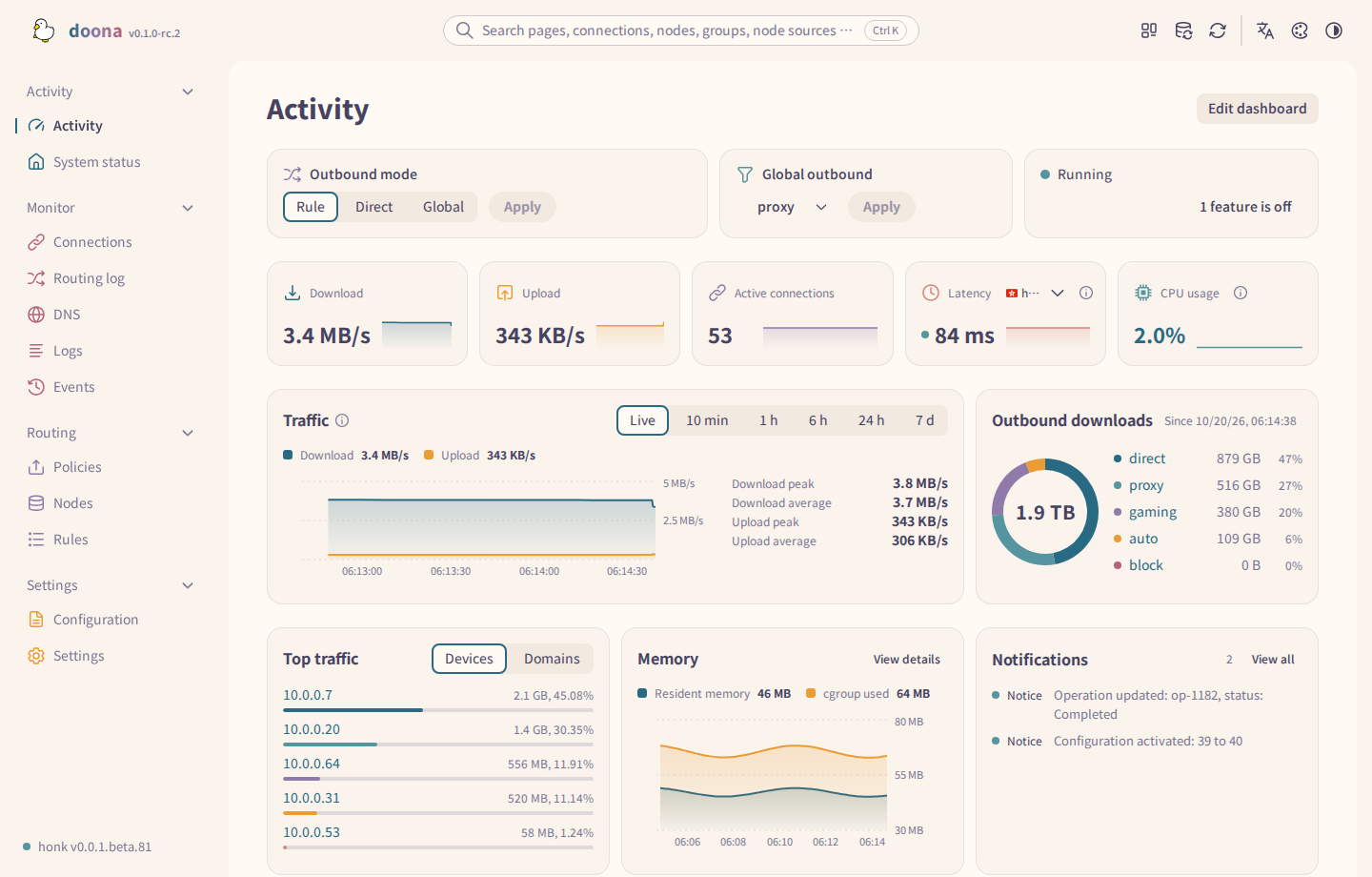
Look up a requirement or solve a problem
- A page or action is unavailable: Feature requirements.
- You need a configuration key: Configuration reference.
- You need a change's storage location or restart requirements: What doona can change.
- A connection, sign-in or write fails: Troubleshooting.
- You want to build or contribute: Development.
Downloads are on doona releases. Report interface problems in doona issues.
Report engine problems to honk issues.
Source: doona upstream, licensed under CC BY 4.0.