
doona lite
doona lite provides forms for common honk configuration tasks. It is a preview in testing; see the edition comparison before choosing it for your gateway.
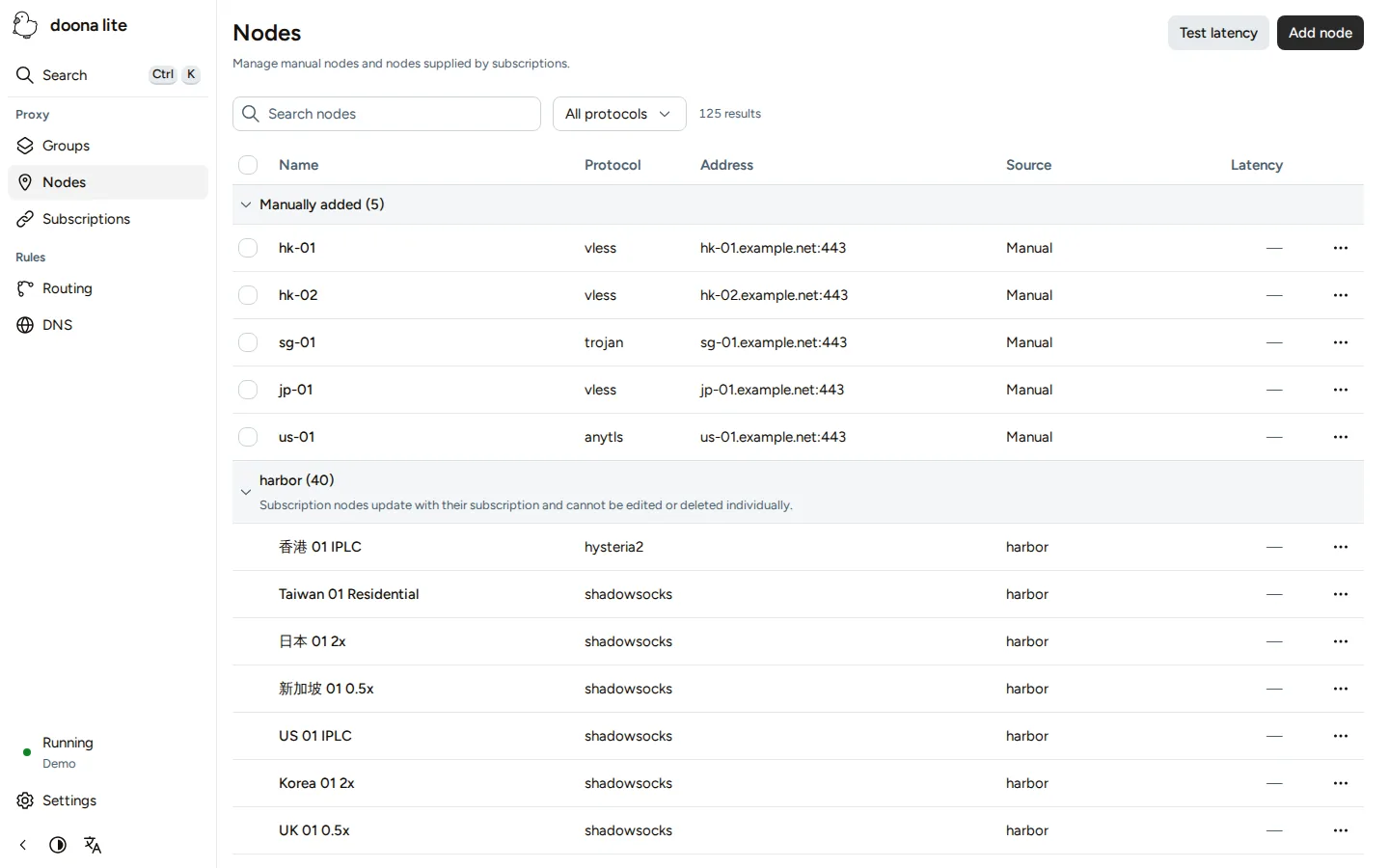
Use Nodes, Subscriptions, Groups, Routing and DNS to manage resources, and Settings for global settings. Begin with Connect doona lite, then follow Common tasks.
Install doona lite
honk embeds doona lite starting with v0.1.0-beta.4. Install honk as described in Quick start, then add this block to its configuration, replacing any existing native_api block:
experimental {
    native_api {
        enabled: true
        listen: '127.0.0.1:9527'
        password_auth: true
        config_write: true
        ui: 'embedded-lite'
    }
}
For a separate installation, use the lite archive in Manual installation; lite has no distribution packages.
After either choice, apply the UI restart rule, open the address from Quick start, then connect doona lite.
Switch to the standard edition
Follow Install and switch editions to select the standard edition's files or embedded UI.
Source: doona upstream, licensed under CC BY 4.0.